Workspace icons
Workspace icons provide quick access to useful features.
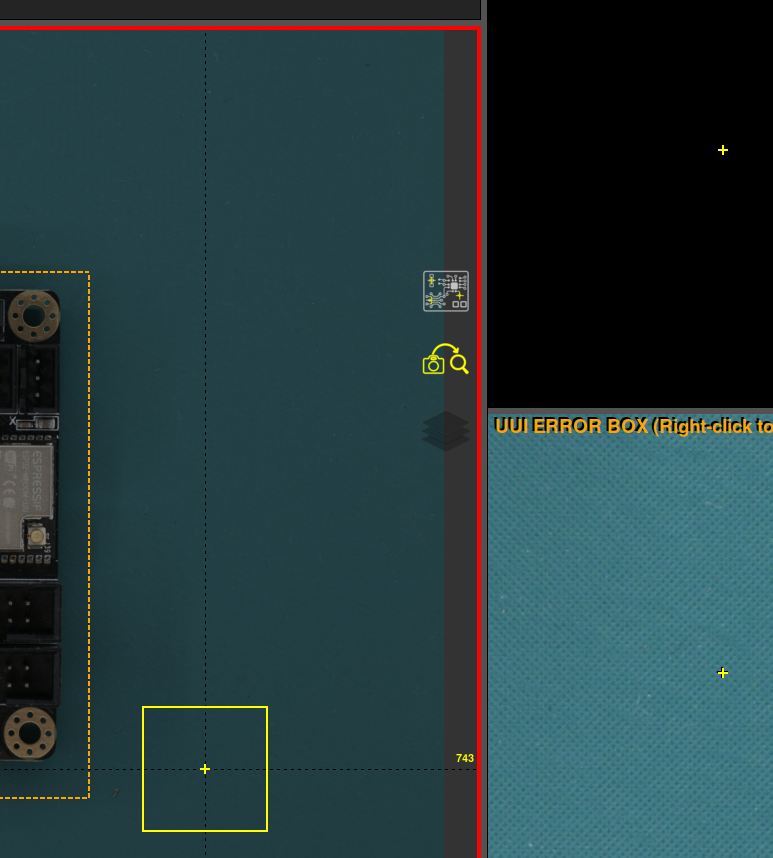
Show/hide crosses

This option shows or hides the crosshairs and error numbers in the main workspace area, for greater visibility of the UUI image.
Auto process

Enables or disables automatic processing after the UUI image is taken. When it is active, the inspection starts by itself as soon as the image has been captured — see the inspection workflow.
Error mask color

Changes the error mask color to one that contrasts better with the PCBA color. The opacity of the mask can also be changed by pressing CTRL + mouse wheel up/down while the pointer is over the icon.
The default color can be set in the settings menu.