Unboxing guide
Important
If any part is missing or defective, send us an email.
Important
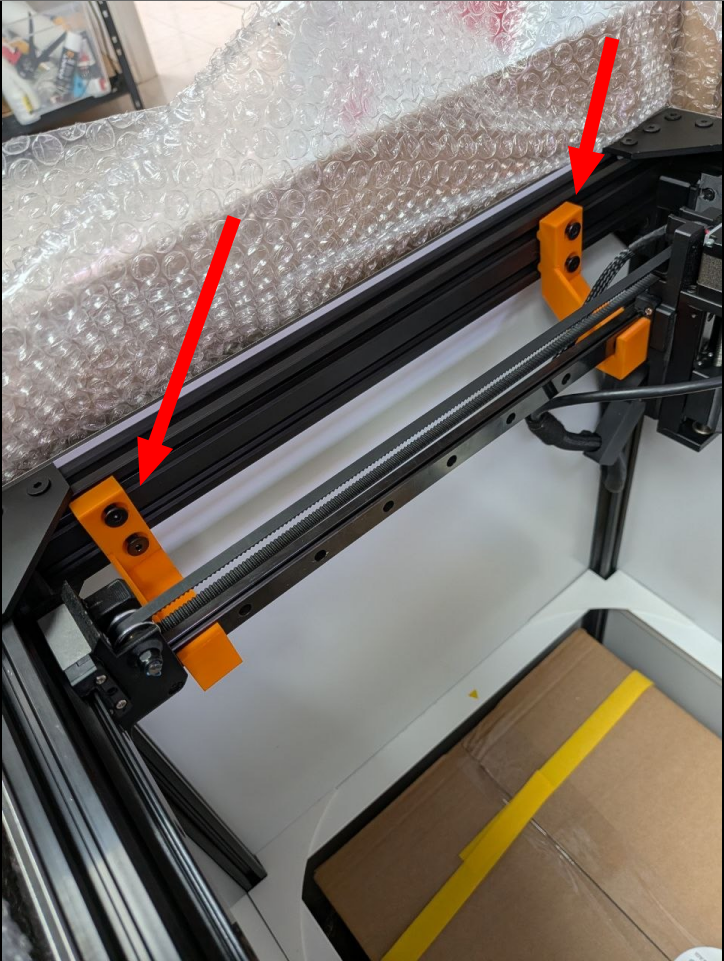
After completing the unboxing, make sure to remove all the orange parts from the inspection platform.
Step 1
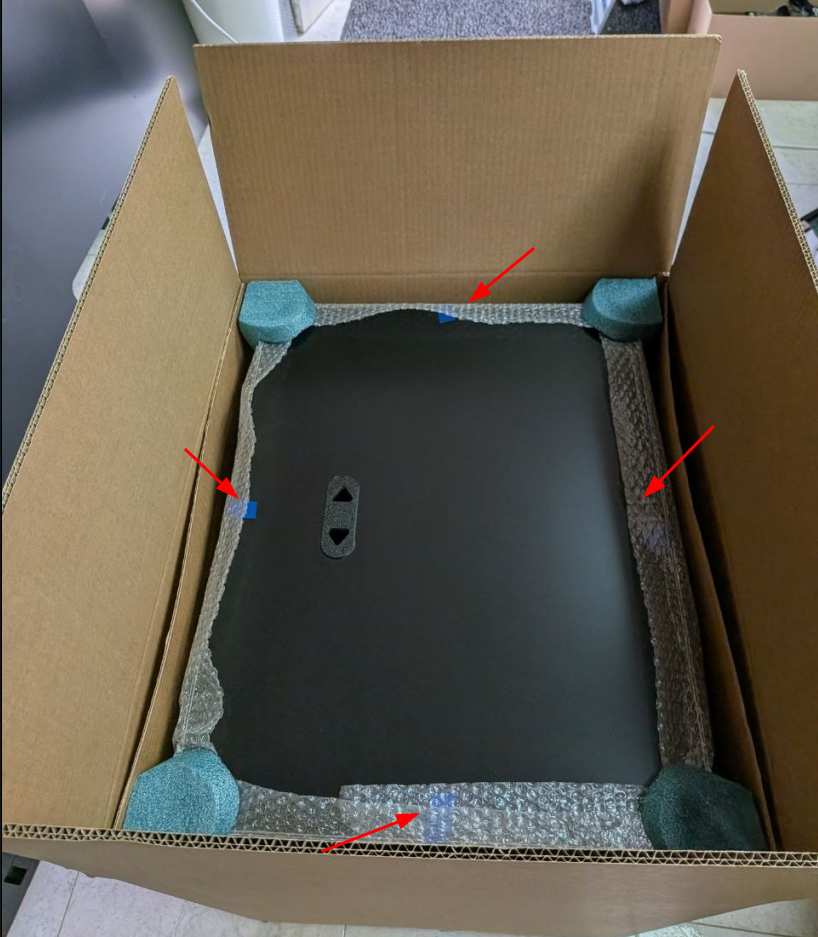
Remove the top cover
Start by removing the adhesive tape from the four sides of the top cover of the inspection chamber, then lift the cover off.
Step 2
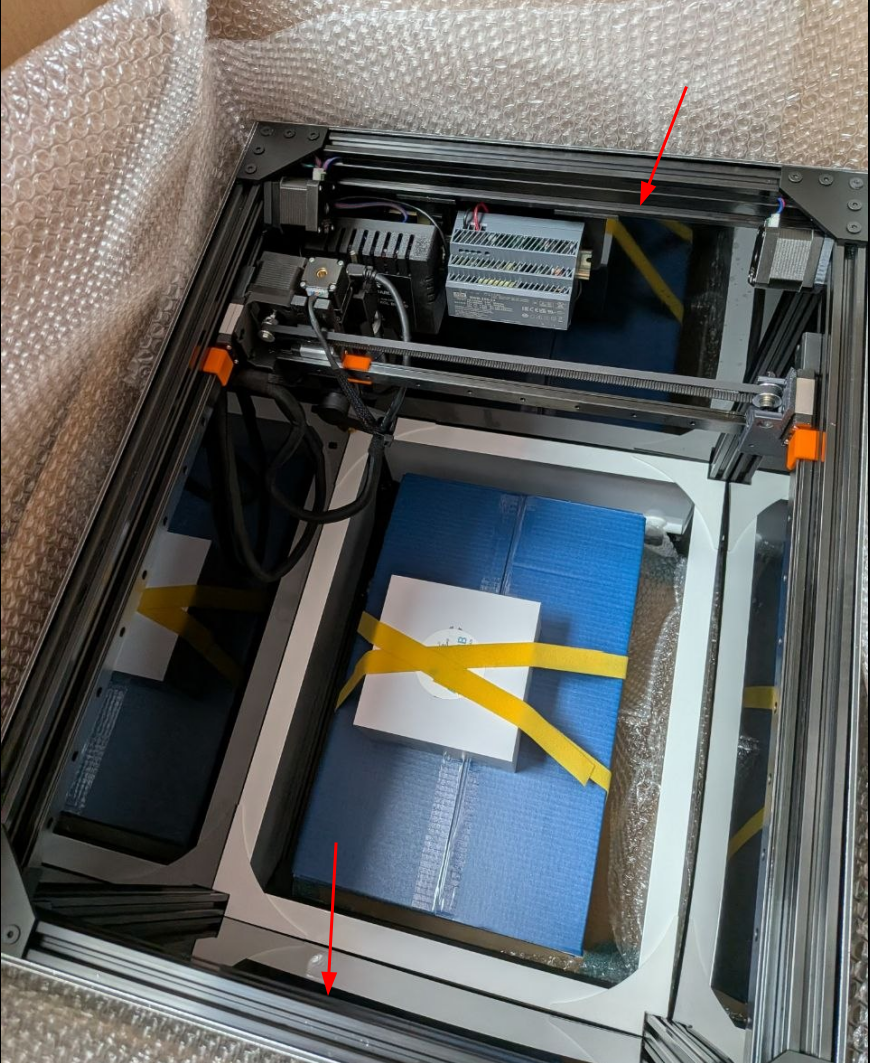
Take out the inspection chamber
Hold the inspection chamber by the upper aluminum side frames and remove it from the box.
Important
This operation must be carried out by two people.
Step 3
Remove the camera fastening pieces
Step 4
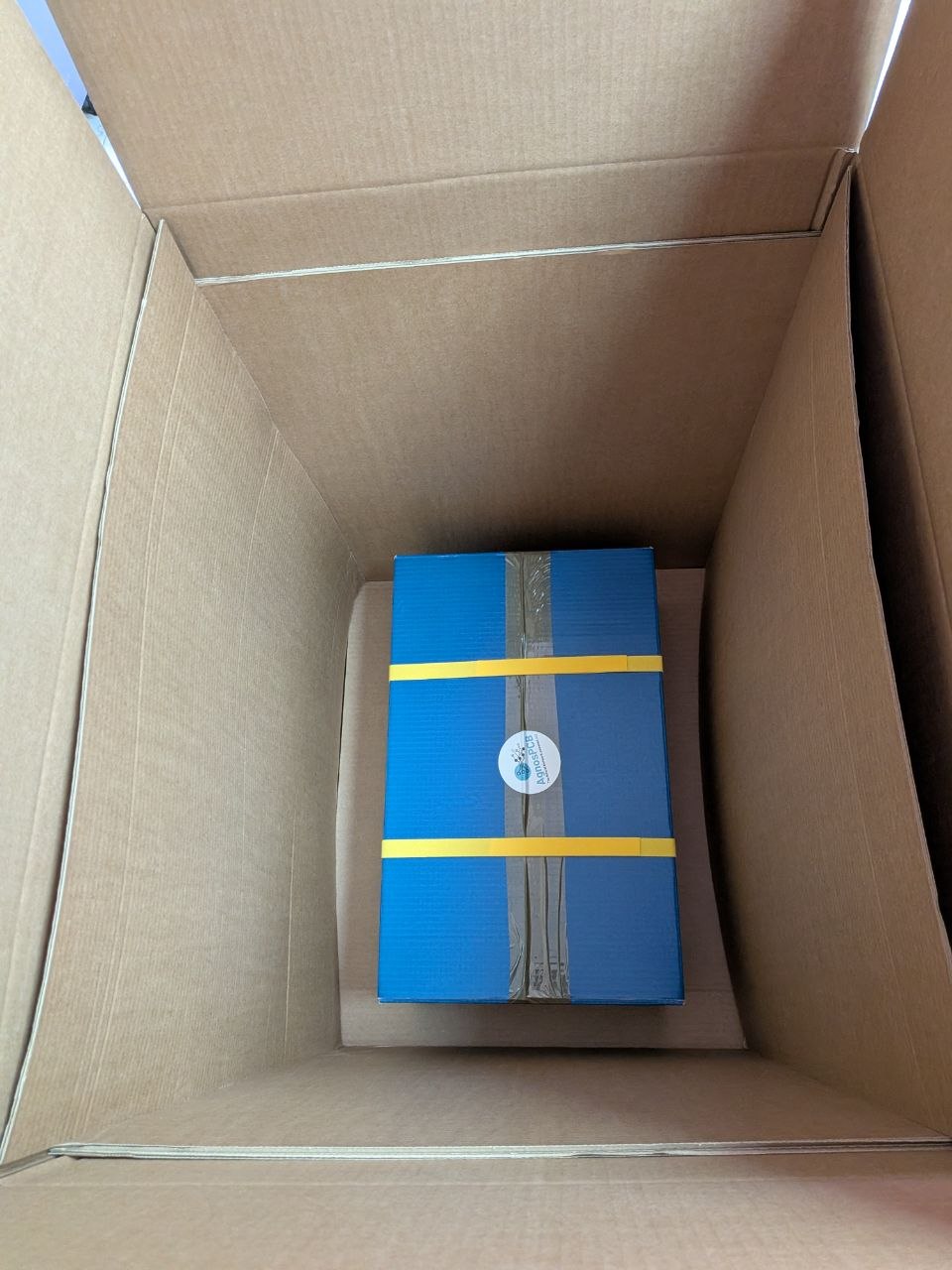
Take out the box with the accessories
Take the box containing all the necessary accessories out of the packaging. List of components here.
Step 5
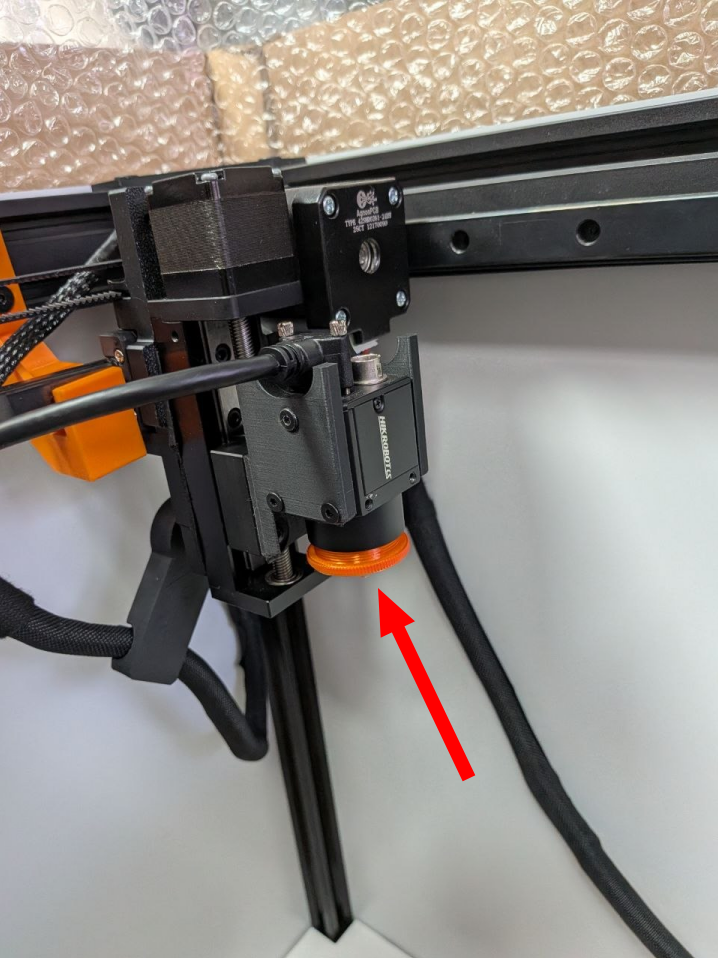
Remove the camera cover
Step 6
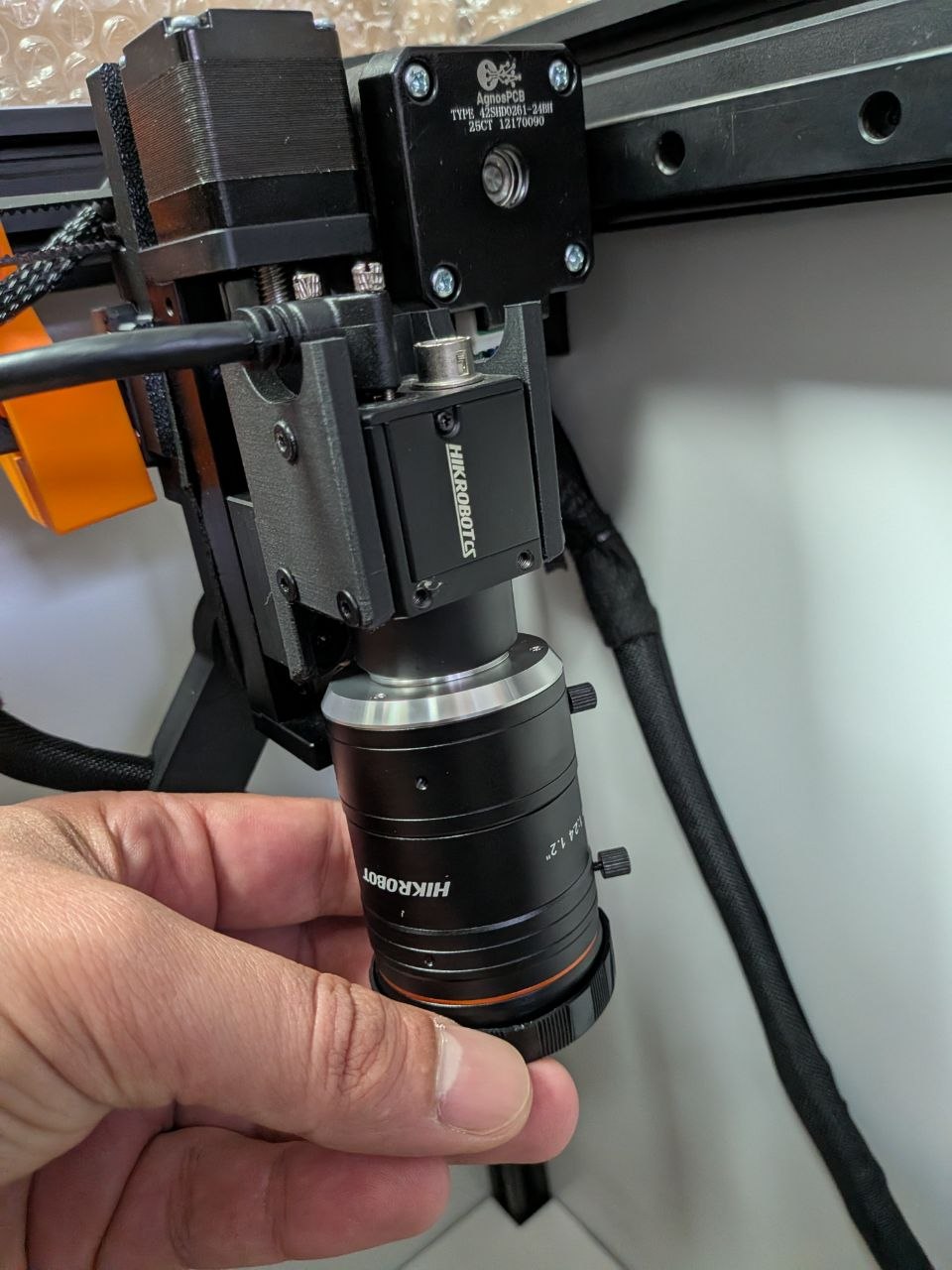
Install the lens
Screw the lens onto the camera until it stops.
Important
The lens has been pre-adjusted with the parameters required for use on the machine. Avoid touching its focus and aperture rings.