Set exclusion area
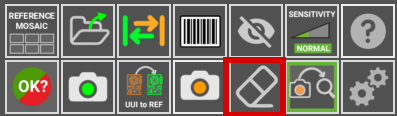
An exclusion area lets you inspect the PCB while leaving out regions that do not need to be inspected, or that legitimately change from board to board — a serial number label, a connector that is not always fitted, or a hand-written mark. To define one, use the draw exclusion area button.
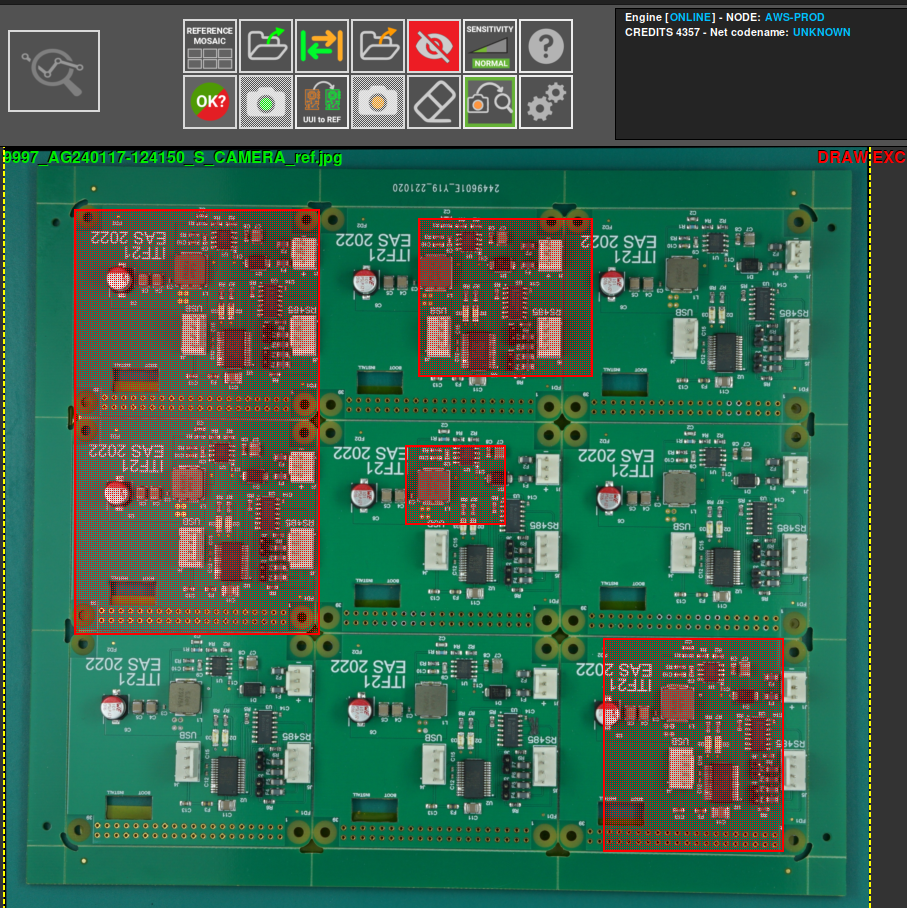
Then, using the REFERENCE photo, select the area to be excluded. You can select as many areas as you want.
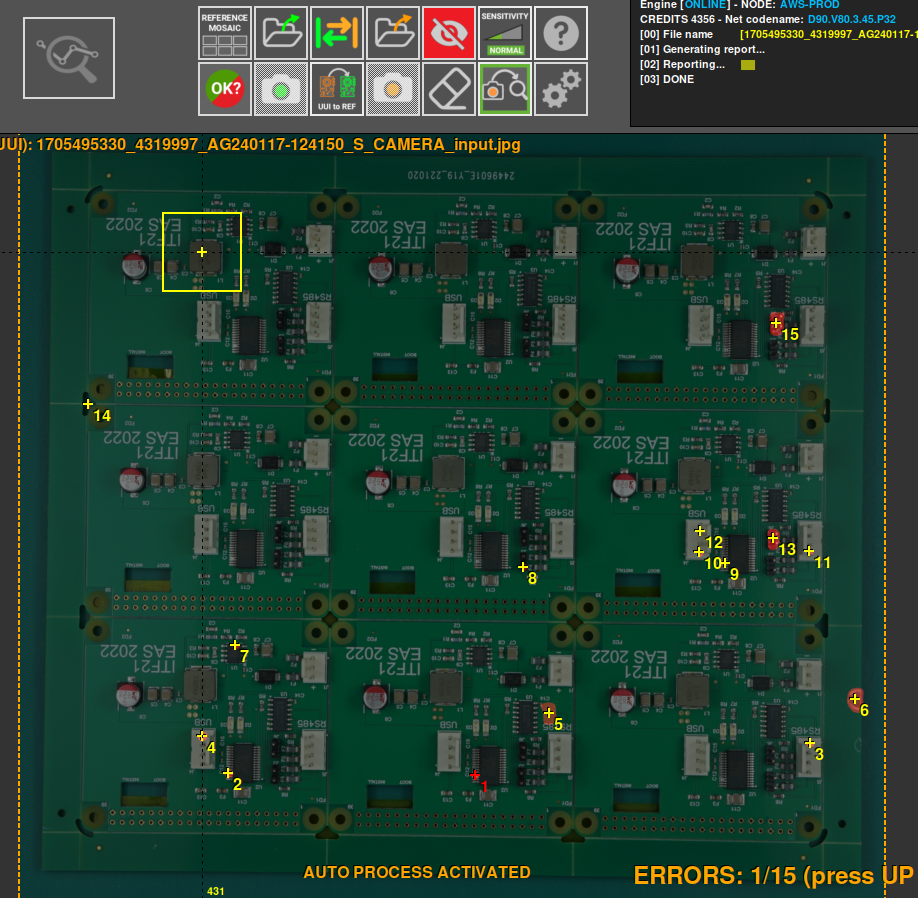
After an exclusion area has been defined, triggering an inspection on the UUI will not detect any errors in the selected areas.
If you have selected the wrong area, or no longer need it, use the remove area button to remove it.
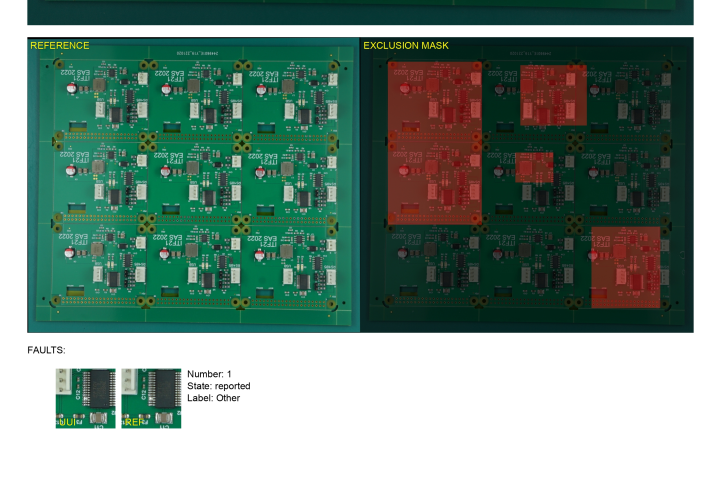
The number of exclusion areas defined is also shown when the report is generated.
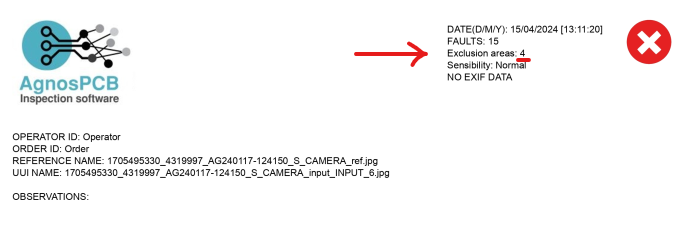
An image of the REFERENCE and the selected exclusion areas will also appear.