Set sensitivity
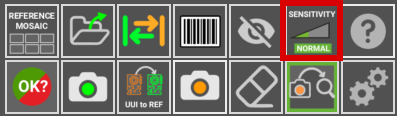
Sensitivity determines how strict the inspection is when looking for errors. It governs how small a difference between the REFERENCE and the UUI has to be before the software flags it.
Important
Higher sensitivity levels also produce a higher false positive rate. If a REFERENCE generates too many false positives at normal sensitivity, review the tips and the exclusion areas before raising it.

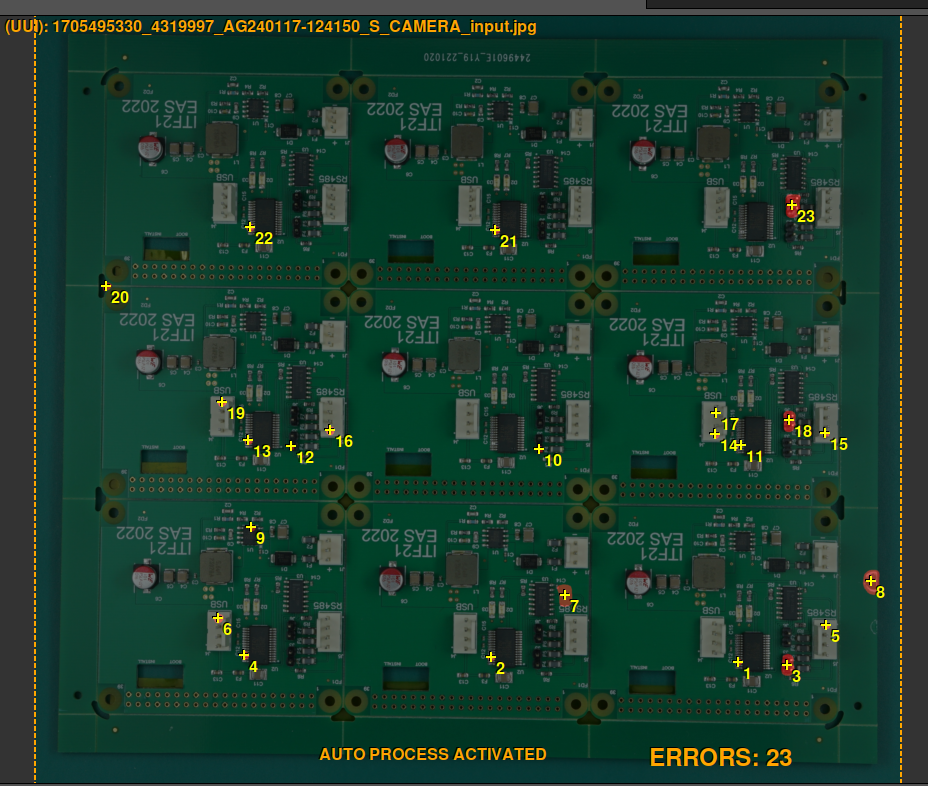
Normal Sensitivity: This is the default sensitivity setting and is typically sufficient to detect the majority of errors within the inspected components. It strikes a balance between thoroughness and efficiency, making it suitable for most inspection scenarios.

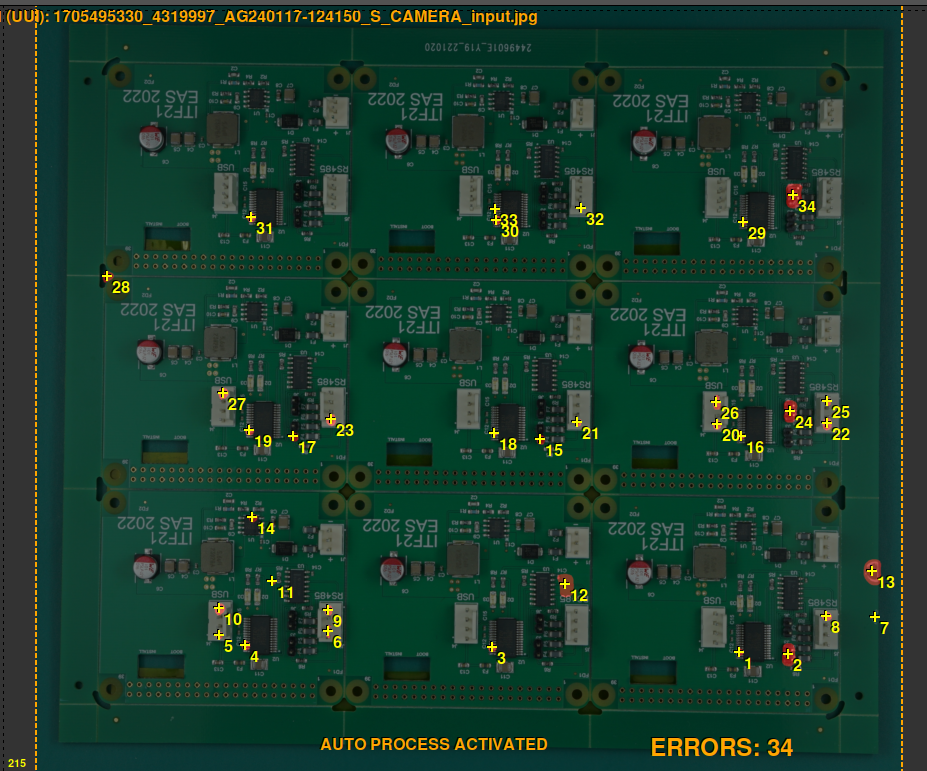
High Sensitivity: For users who need a more thorough inspection process or are working with intricate or delicate components, the high sensitivity setting increases the level of scrutiny. It is designed to detect even slight deviations or abnormalities for a more thorough examination.

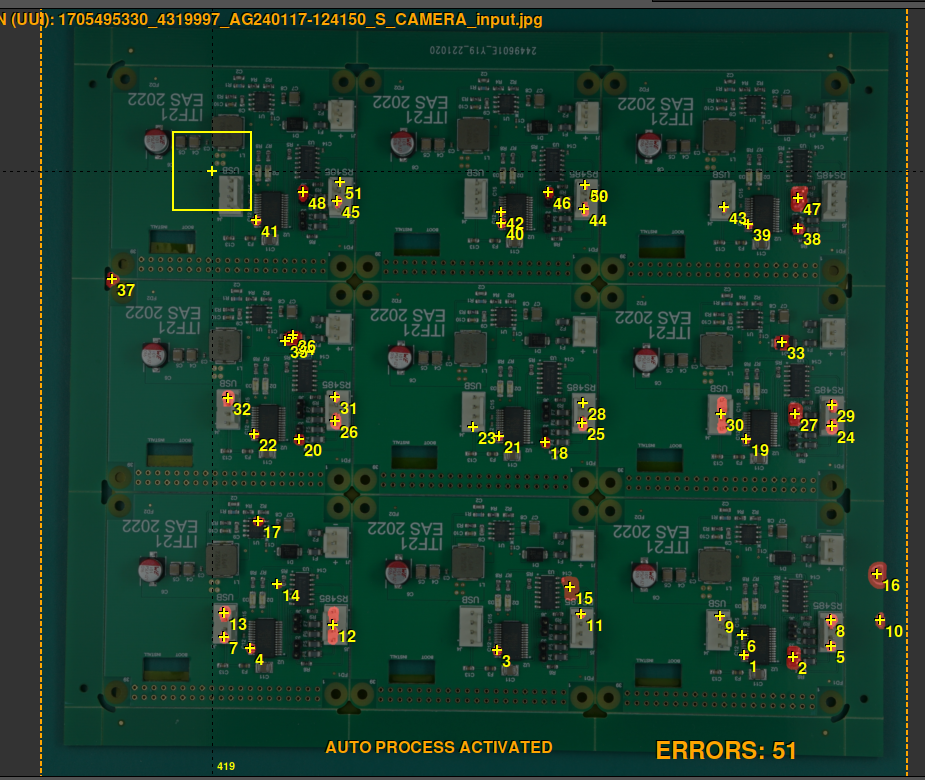
Very High Sensitivity: This setting applies the strictest level of error detection and is best suited for situations where absolute precision is required. It examines every detail closely to identify even minor flaws or inconsistencies. Expect a noticeably higher number of false positives at this level.