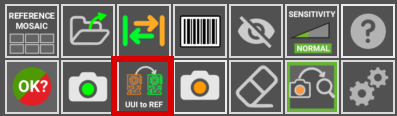
UUI to REFERENCE
When inspecting a PCB, if you discover that a UUI image is more suitable as a REFERENCE than the current one, or it contains a component variant that causes the software to flag it as an error, you can convert it into a REFERENCE image with a single button click.
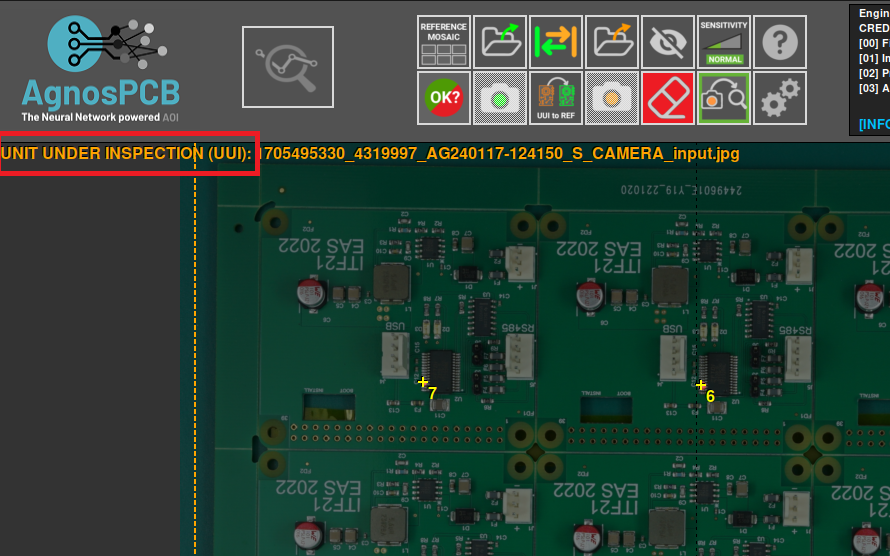
For example, in this image we have a UUI that contains a variant of a component and it is marked as an error.
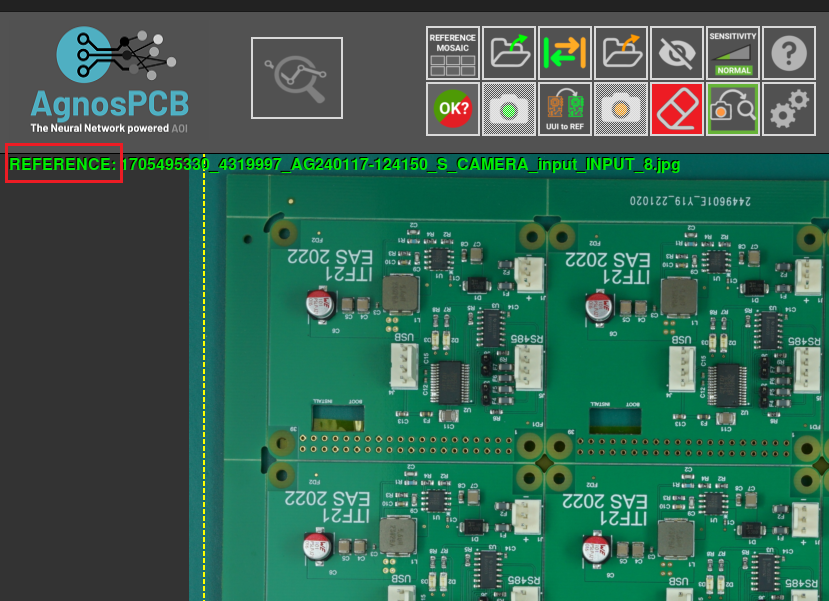
After pressing the UUI to REFERENCE button, the same PCBA is used as the REFERENCE.